Nintendo Things You Probably Shouldn’t Buy
Classic Controllers for the Switch
We’ll start with something the you shouldn’t buy for the Switch but rather something that you might buy for a PC with emulation. But, I don’t think you should buy them for emulation either because they require a $4 monthly, $8 quarterly, or $20 annual subscription.

The NES Joy-Cons are the most pointless first party controller you can buy for the Switch. Besides the buttons on the regular NES controller, there are only three extra buttons. The SL, SR, and Sync buttons. These are the buttons found on the Joy-Con rails on regular Joy-Cons.

It only works with NES or Famicom games. (No region-locking means that you can play Japanese games to your heart’s content.)
And it costs $60 for a pair.

With the SNES and Genesis controllers, it’s a similar story to the NES Joy-Cons except with more buttons and it’s $30.
The N64 Classic Controller shares these problems and the problems with the N64 controller.
What you should get instead
Regular Switch controllers will work fine. The NES, SNES, Famicom, and Super Famicom (again, no region-locking) apps work perfectly fine with Joy-Cons or a Pro Controller. But, the NES Joy-Cons and SNES Wireless Controller are fine if you insist on using a controller that is like the original. But, my recommendation is to buy the original or Classic controllers and get an 8BitDo Mod Kit. It will turn these controllers wireless.
| Out of the box, the mod kit works with the same systems as the official controllers. But, buy an adapter and these controllers will work with almost anything from a Wii U to an [Xbox Series X | S](https://www.consoletuner.com/products/titan-one/) to the Original NES. |
Again, I think they’re okay controllers. They’re just not worth a required subscription. Plus, the Switch Classic apps are weak compared to the FCEUmm or Snes9x emulators.
Original Wiimote
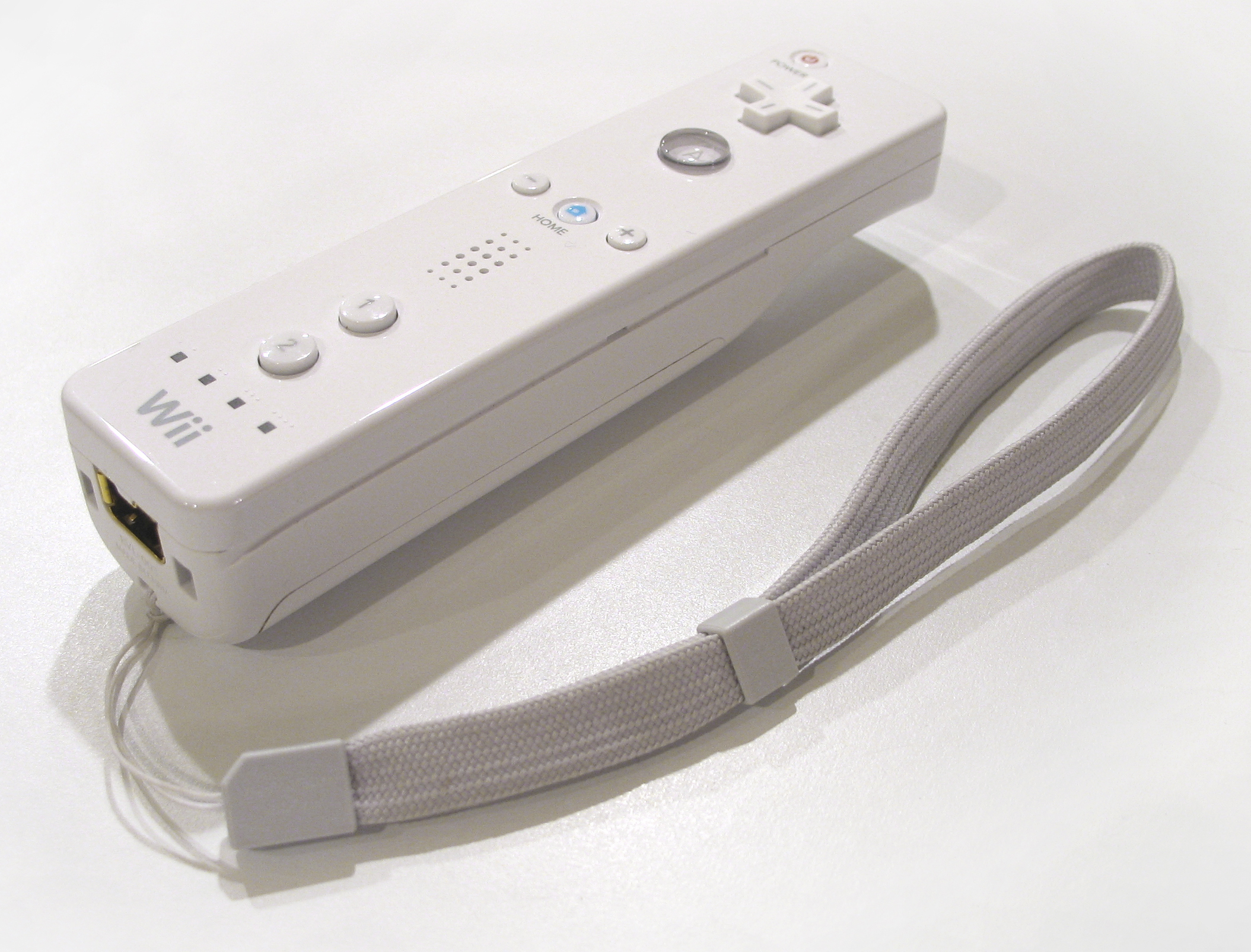
The original Wiimote did not have good motion controls and it is not compatible with Wii U.
What you should get instead
Wiimote Plus. But, if you are stuck with the original, get a Motion Plus adapter. It will still let you use the Nunchuck port.
All of that plastic crap for the Wii

We’re going to be talking about the Wii a lot in this article. You would have to be drunk to spend at least $20 on plastic.
What you should get instead
The remote works fine by itself. Games like Wii Sports or Mario Kart Wii do not require a plastic golf club or steering wheel that you stick your remote into. These games work fine with just the Wii Remote. Plus, these accessories are rarely big enough to fit a Wiimote with a Motion Plus adapter.
Original N64 Controller
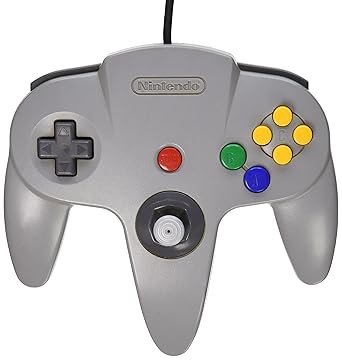
Was Nintendo preparing for the alien invasion with this thing? Did they think that humans would evolve a third hand?
What you should get instead
Retro Fighters Brawler64. PERIOD.
Labo
Like the first-party retro controllers for Switch, Labo is just okay. It’s just that you’d have to be drunk to spend $70 on cardboard.
What you should get instead
Honestly, there really isn’t much of an alternative. If you absolutely MUST play with cardboard, then go ahead and get it.
Wii mini
:format(png)/cdn.vox-cdn.com/assets/1799605/wiimini.png)
The Wii Mini is a missed opportunity. Nintendo had the opportunity to make this a Roku competitor with the ability to play Wii games and maybe DVDs and Gamecube games (unlikely though as no Wii supported DVDs and the Family Edition does not support Gamecube games). Instead, Nintendo took the internet functionality, SD card, 480p, and component out. It was released in Canada in 2012 (?) and released elsewhere in 2013.
What you should get instead
Regular Wii if you want Gamecube and Wii functionality. Wii U for if you just want Wii. The Family Edition is now pointless because of Nintendo discontinuing online functionality for the Wii and DSi.